注: 以下の翻訳の正確性は検証されていません。AIPを利用して英語版の原文から機械的に翻訳されたものです。
新しいカスタムドキュメントバンドルを追加する
プラットフォーム内のカスタムドキュメントは「バンドル」として構成されます。「バンドル」とは、まとめて公開され、ナビゲーションリンクで相互に関連付けられたドキュメントページのまとまりです。各バンドルには、少なくとも、カスタムドキュメントのホームページからバンドルに移動するユーザー向けのランディングページとなる概要ページ(overview.md)と、バンドル内のページ構造を指定する並び順ファイル(ordering.md)が必要です。
新しいバンドルを作成する
すべてのドキュメントファイルは、カスタムドキュメントリポジトリの docs フォルダーに保存する必要があります。カスタムドキュメントリポジトリがまだない場合は、新しいカスタムドキュメントリポジトリを作成する手順に沿って進めてください。
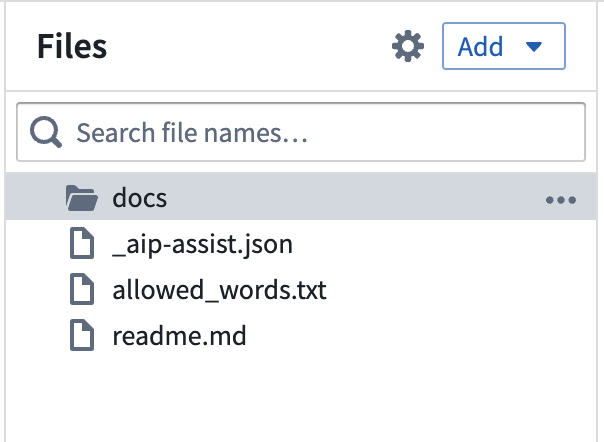
カスタムドキュメントリポジトリに新しいバンドルを追加するには、docs フォルダー内に、ドキュメントバンドルに含める予定の内容を表す名前(inventory-management-application など)の新しいフォルダーを作成します。フォルダー名とファイル名は一意である必要があり、スペースを含めることはできません。このフォルダーは、バンドルの製品IDとして使用されます。
バンドル用の新しいフォルダー内で、次の作業を行います。
overview.mdという名前のファイルを作成します。詳細は以下の例を参照してください。overview.mdで、@name注釈を使用して製品バンドルの名前を宣言します。この名前は、ユーザー向けのプラットフォーム内カスタムドキュメントで、ドキュメントバンドルの名前として表示されます。overview.mdで、@description注釈を使用して製品の簡単な説明を記述します。overview.mdに導入文を含め、製品の主な目的やワークフローの背景を説明して、読者の理解を助けます。
ordering.mdという名前のファイルを作成し、このファイルを使用してコンテンツの構造を宣言します。overview.mdはデフォルトで存在する必要があるため、ordering.mdには記載しません。詳細は、ドキュメントバンドルの構造を定義するドキュメントを参照してください。
@name 注釈と @description 注釈で指定した名前と説明は、<your-enrollment>/workspace/documentation にあるプラットフォーム内のカスタムドキュメントのホームページで、ドキュメントバンドルの一覧に表示されます。
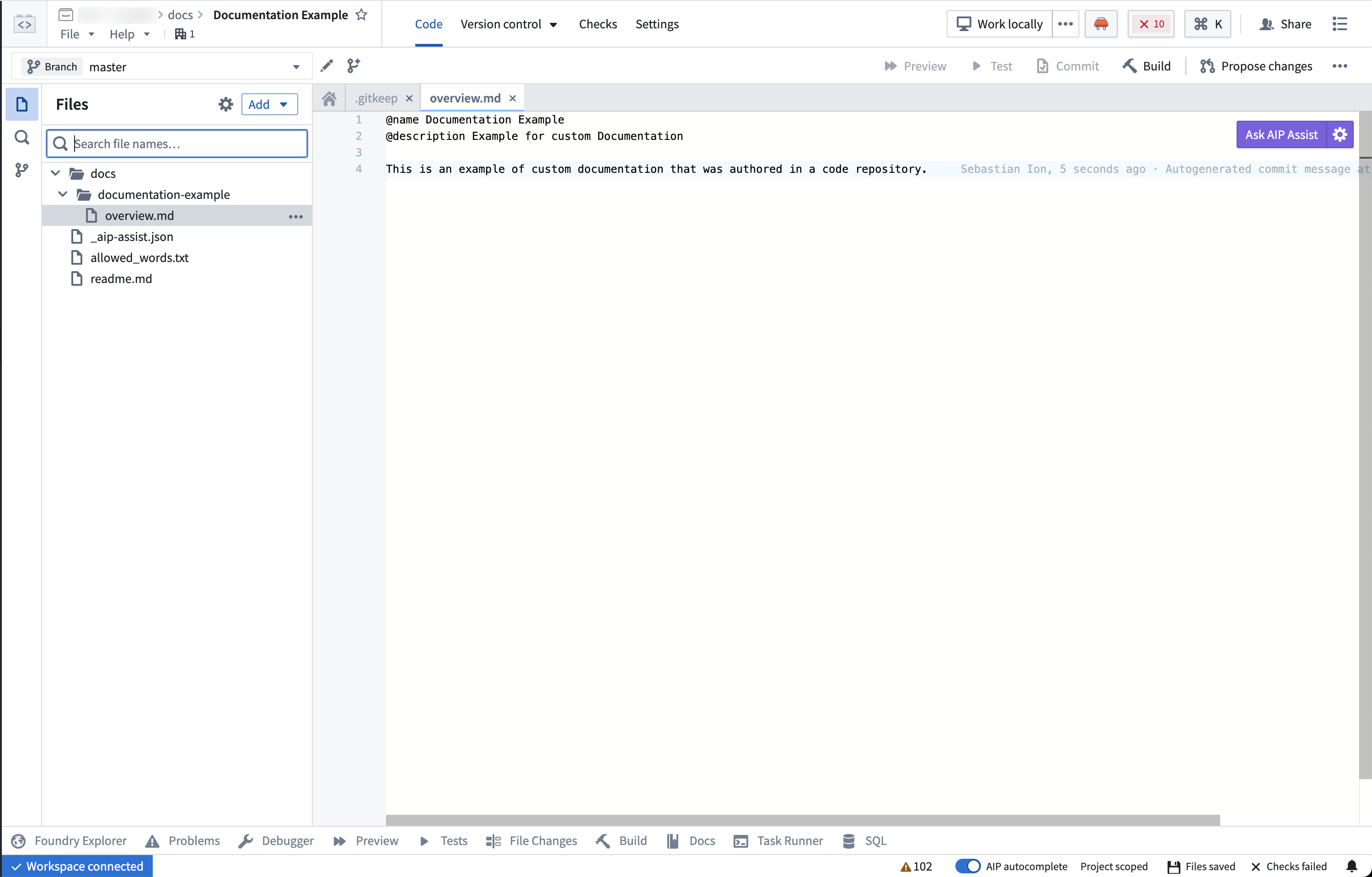
overview.md の例
以下は Contour の overview.md の例です。@name、簡単な @description、および製品に関する導入文が含まれています。
Copied!1 2 3 4 5 6 7 8 9 10 11 12 13 14 15 16 17 18 19 20 21 22 23@name Contour @description Point-and-click data analysis at scale Contour provides a point-and-click user interface to perform data analysis on tables at scale. These analyses can be used to create interactive [dashboards](@contour/dashboards-overview) that allow others to explore and investigate the data in a guided, structured way. ## Key features Contour enables you to: * Visualize, filter, and transform data without code. * Organize complex analyses into analytical paths. * Parameterize analyses to easily switch between different views of the data and results. * Create interactive dashboards to share findings. * Save analysis results as a new dataset for use in other Foundry tools. * Leverage Contour's [expression language](@contour/expressions-overview) for more advanced transformations and aggregations. ## When to use Contour Contour is a good fit for analytical use cases where: * **Some or all of the data you want to use is not mapped in the Ontology.** In general, we recommend using the [Ontology layer](@ontology/overview) whenever possible, but there are some cases where this may not be appropriate (such as a one-time upload that will not be cleaned or reused). * **You need to operate on a very large dataset.** For instance, performing joins on over 100,000 objects or aggregations on over 50,000 rows. * **You want to share your analysis results as a new dataset for use in other Foundry tools.** [Learn more about saving results as a dataset.](@analytics/datasets-object-sets)