- Capabilities
- Getting started
- Architecture center
- Platform updates
Vulcan
Vulcan is a 3D rendering application that displays computer-aided design (CAD) models, engineering drawings, and point clouds in the Palantir platform.
With Vulcan, you can:
- View CAD models stored in the Ontology as CAD objects. See Schema reference for the object types and properties that Vulcan requires.
- Annotate, measure, section, and recolor parts of a model. See Tools.
- Embed the 3D viewport in a Workshop module. See Embed Vulcan in a Workshop module.
Annotations, measurements, and section planes saved from Vulcan are Ontology objects, so they can drive other Palantir platform workflows such as alerts and dashboards.
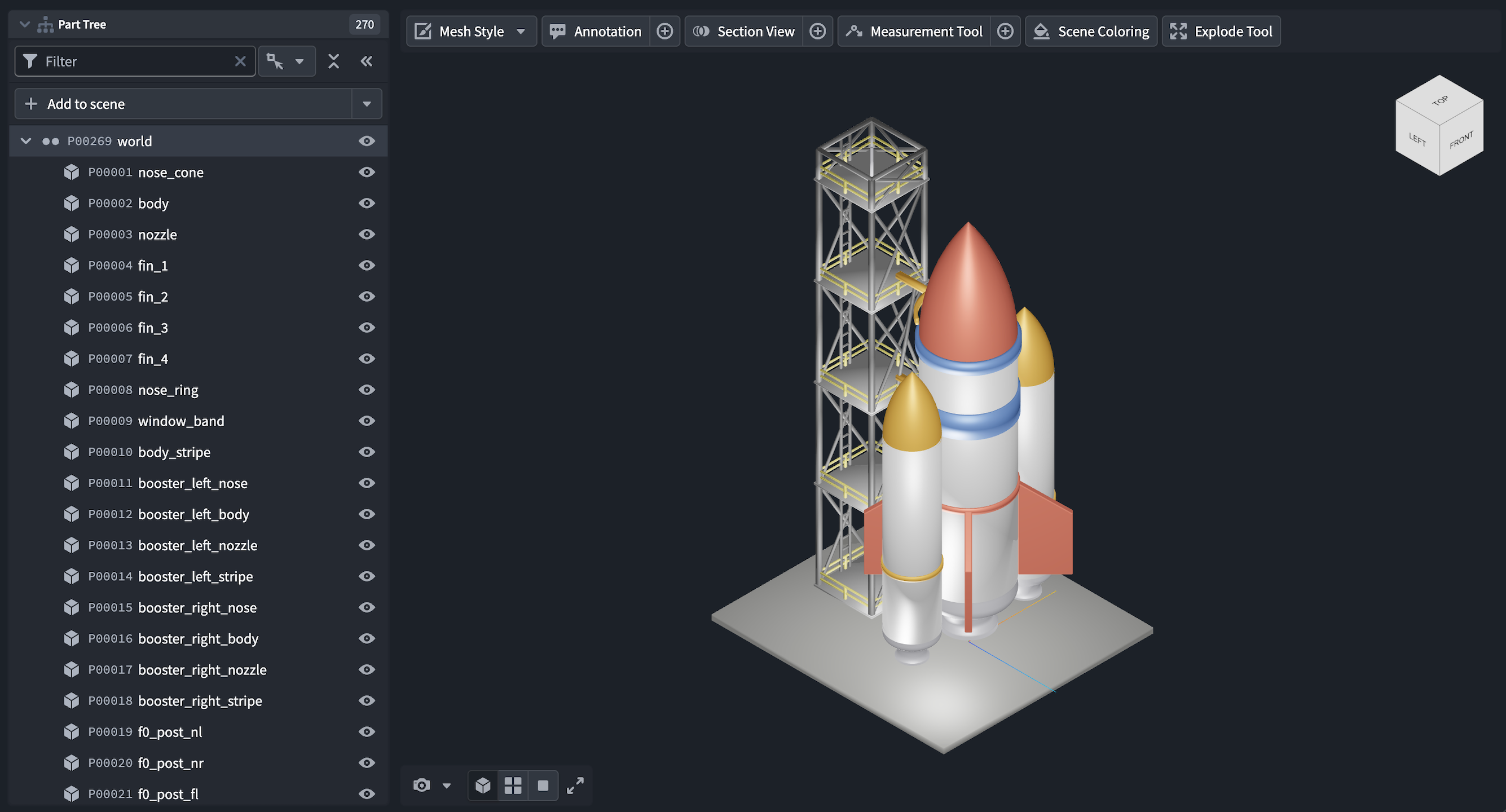
This screenshot uses notional data.
Getting started
Vulcan renders 3D models that are stored in the Ontology as CAD objects. A CAD object is an Ontology object with a property carrying the cad_media_reference type class, which holds a media reference to a model file.
In the standalone application, select Add to scene, then choose a CAD object. Repeat this process to add more models to the scene.
In the Vulcan widget, the widget configuration determines which models load. See Choose a CAD object.
Supported model formats
Vulcan renders three kinds of geometry: mesh models, which approximate the surface of each part with triangles; 2D engineering drawings; and point clouds. You can point a CAD object's media reference property (the property carrying the cad_media_reference type class) at a file in any of the following formats without conversion:
- Mesh formats:
GLB,GLTF,STL,OBJ,PLY,3MF - Engineering drawings:
DXF - Point clouds:
LAS,LAZ