- Capabilities
- Getting started
- Architecture center
- Platform updates
Audio and Transcription Display widget
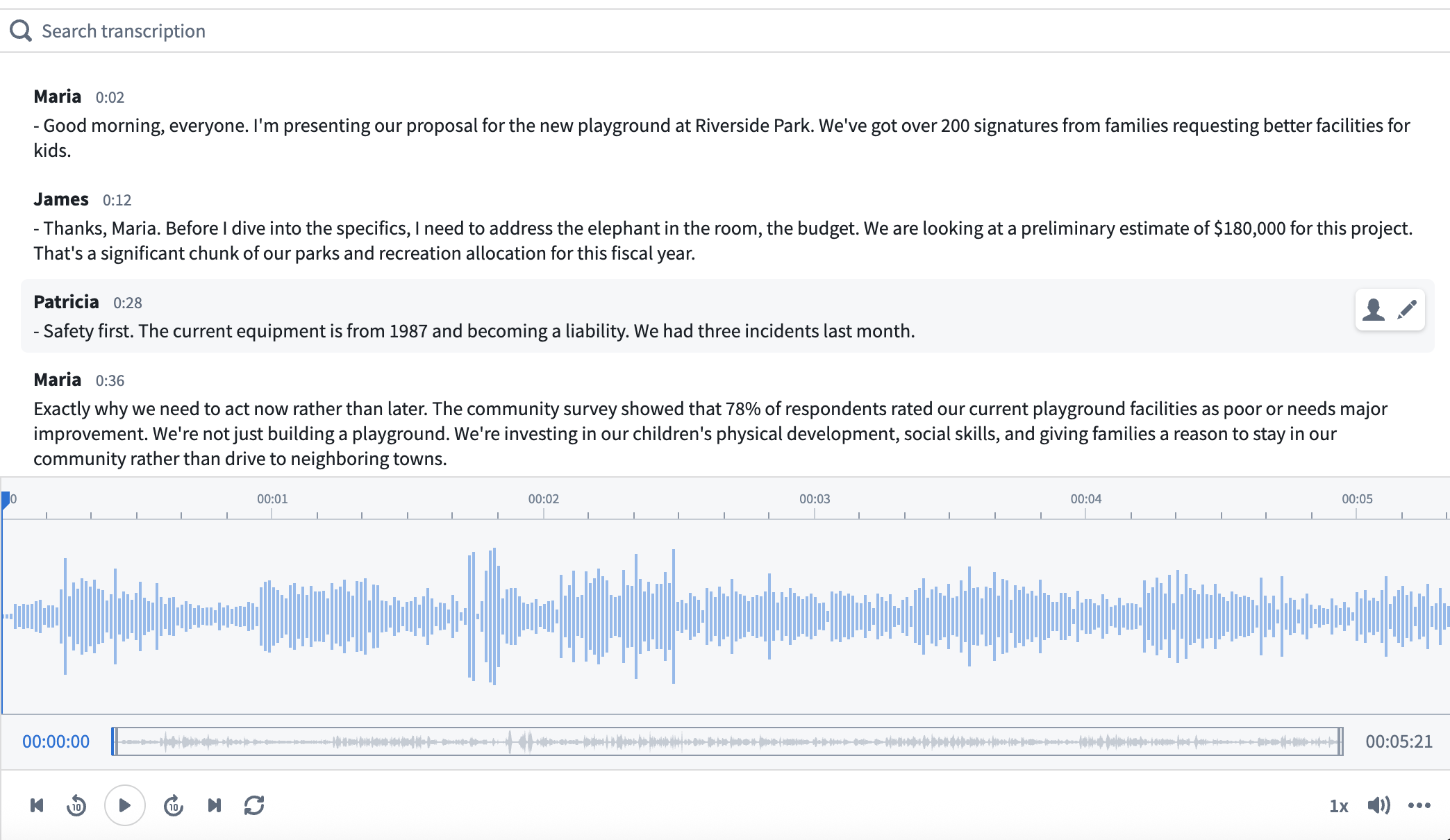
The audio and transcription display widget visualizes and allows the playback of audio based on a media reference property on an object. It can also be used to display and interact with transcriptions using an object set containing transcription segments.
To capture audio directly within Workshop, use the Audio Recorder widget, which uploads recordings to a media reference or media set that you can then play back and visualize here.
In contrast to the Media Preview widget, the Audio and Transcription Display widget provides additional audio-specific configuration options, such as timestamp-driven behavior. The transcription component provides the following features:
- Aligned playback between the audio player and transcription view
- Speaker display for easy navigation to speakers of interest
- Action configuration options for advanced functionality, such as transcript editing
Configuration options
Audio
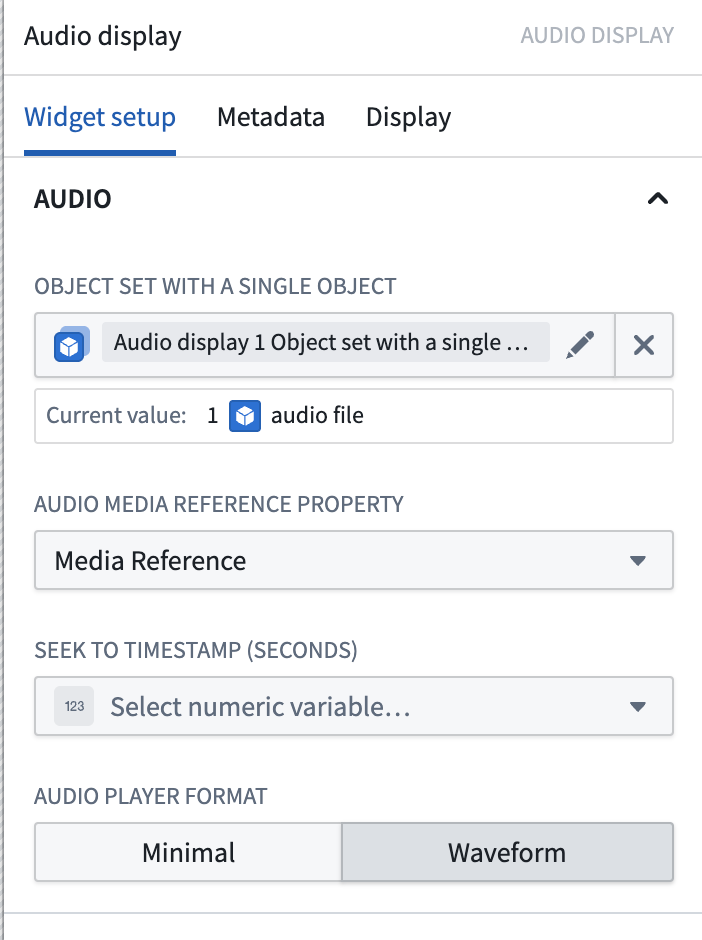
- Object set with a single object: An object with a media reference property.
- Audio media reference property: The media reference object property that is an audio media reference.
- Seek to timestamp (seconds): An optional numeric variable that seeks the audio to a specific timestamp.
- If the given number is greater than the length of the audio, it will seek to the end of the audio.
- If the given number is less than zero, it will seek to the beginning of the audio.
- Playback will work as normal on user interaction.
Transcription (optional)
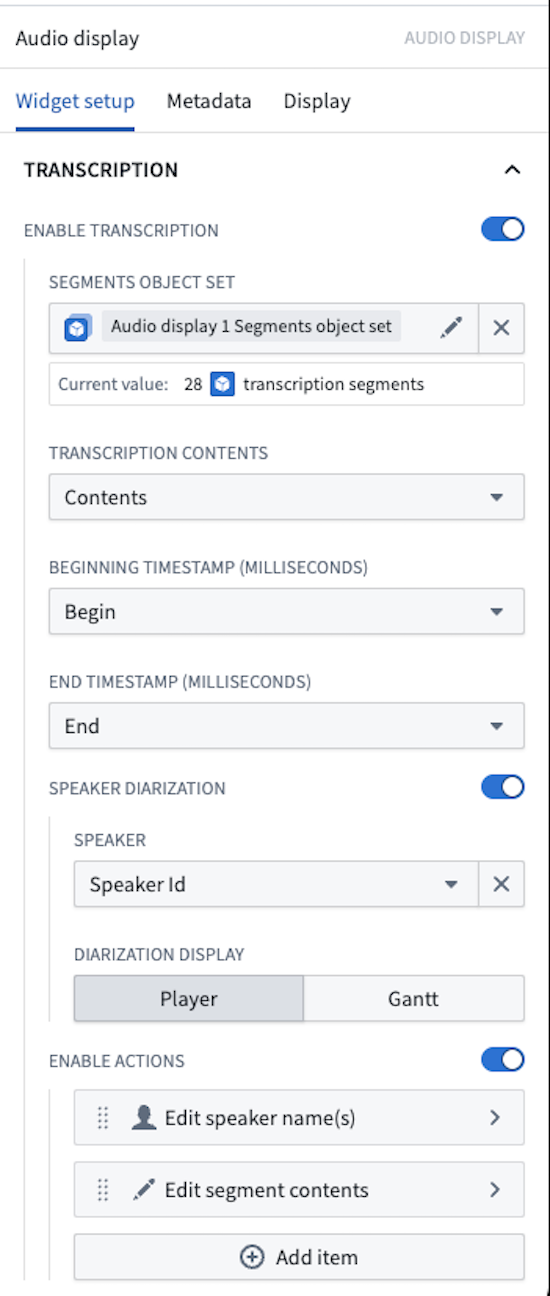
- Enable transcription: Optionally display interactive transcription above the audio.
- Segments object set: An object set containing segments that include selected properties.
- Transcription contents: The string object property containing the segment text.
- Beginning timestamp (milliseconds): The numeric object property containing the segment's beginning timestamp in milliseconds.
- End timestamp (milliseconds): The numeric object property containing the segment's end timestamp in milliseconds.
- Speaker diarization: Toggle to enable or disable the Gantt chart speaker display.
- Speaker: The string object property containing the speaker name or ID.
- Diarization display: Select between Player and Gantt visualization options.
- Enable actions: Enable actions that will appear in a toolbar when a segment is hovered over.
- Icon: Choose an icon to represent this action in the toolbar. If no icon is set, a pencil icon will be used by default.
- Action label: Set the name for the action that will display in the tooltip of the icon.
- Action: Set an action that can be triggered from the segment toolbar. The hovered segment may be referenced using the
Selected segmentvariable. For more information on actions, review our action type documentation.