- Capabilities
- Getting started
- Architecture center
- Platform updates
Action monitoring
Actions in Foundry can be monitored to track performance and reliability. This page explains the available monitoring capabilities for actions.
Available monitoring rules
Action monitoring in Foundry supports two key rule types:
- Action duration p95: Alerts when the 95th percentile execution time exceeds thresholds.
- Number of action failures in window: Alerts when failure count exceeds thresholds within a timeframe.
For detailed configuration options and parameters, review our monitoring rules reference documentation..
Set up action monitoring
To set up monitoring for your actions, follow the standard process for creating monitoring views and rules:
- Create a monitoring view as described in the monitoring views overview documentation.
- Add a monitoring rule for an action or action type as described in the section on adding a monitoring rule.
- Configure appropriate thresholds and severity levels.
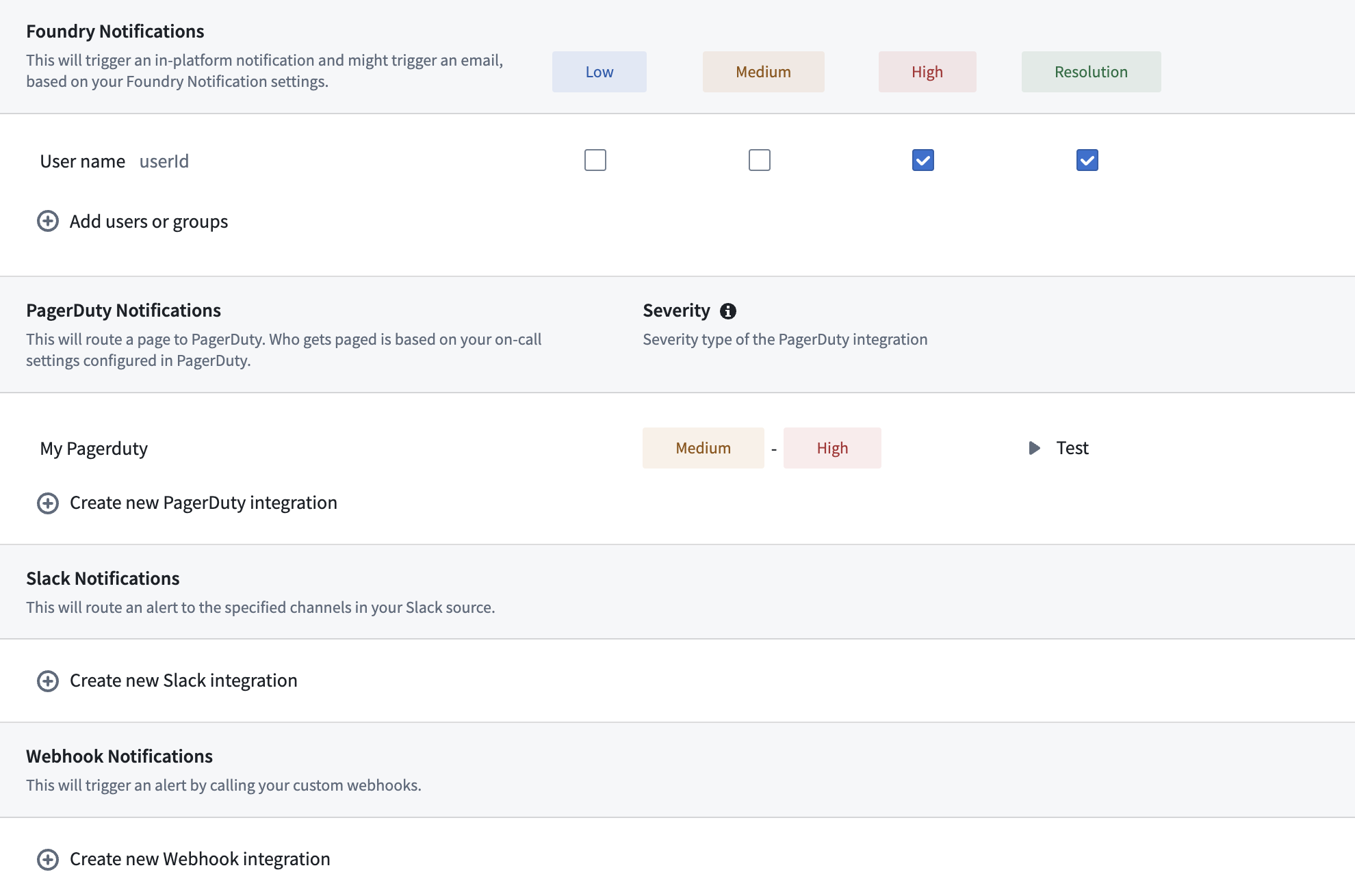
- Set up alert notifications following the alert subscription guide.
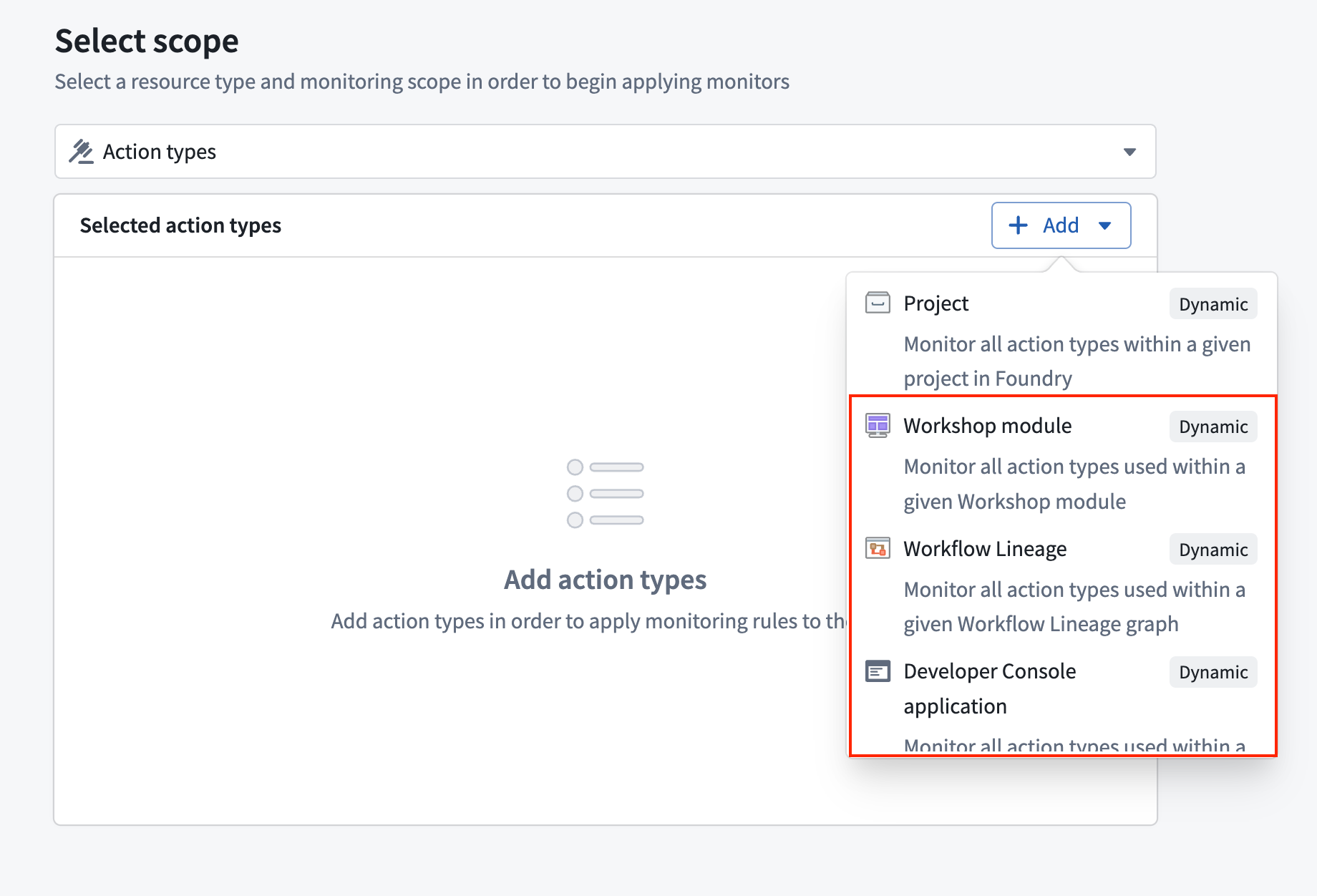
Dynamic scopes
Action monitors support Workflow Lineage, Workshop, and OSDK application as dynamic scopes. When you select one of these scopes, the monitor automatically tracks all actions the scoped resource uses and adjusts as actions are added or removed without further intervention.