- Capabilities
- Getting started
- Architecture center
- Platform updates
Evaluations metrics dashboard
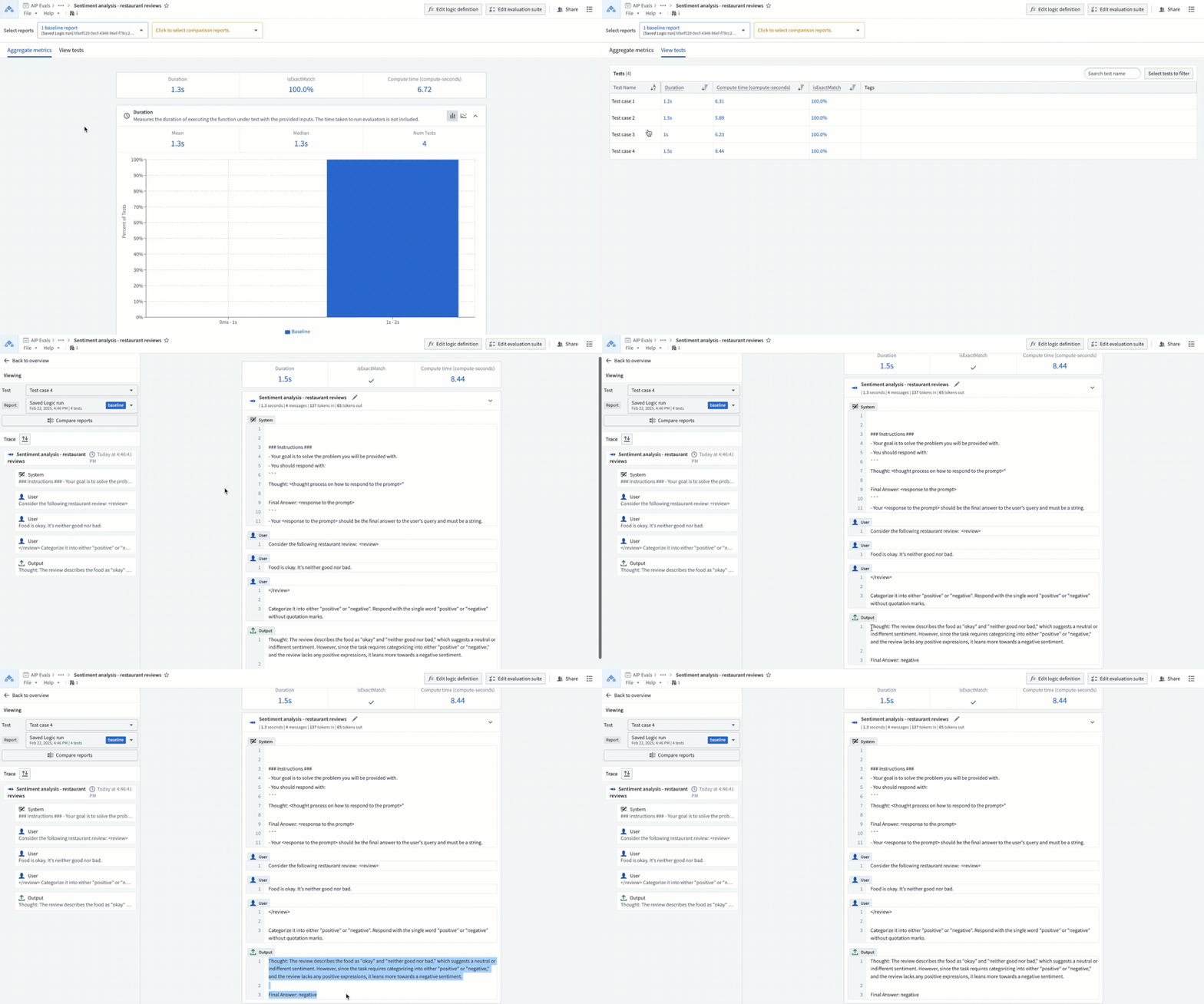
Metrics from evaluation suite runs are collected in reports that can be viewed in the AIP Evals metrics dashboard. Here, you can view charts and statistics or compare aggregate results from evaluation functions and/or results from individual test cases. Metric objectives are not supported in the dashboard view.
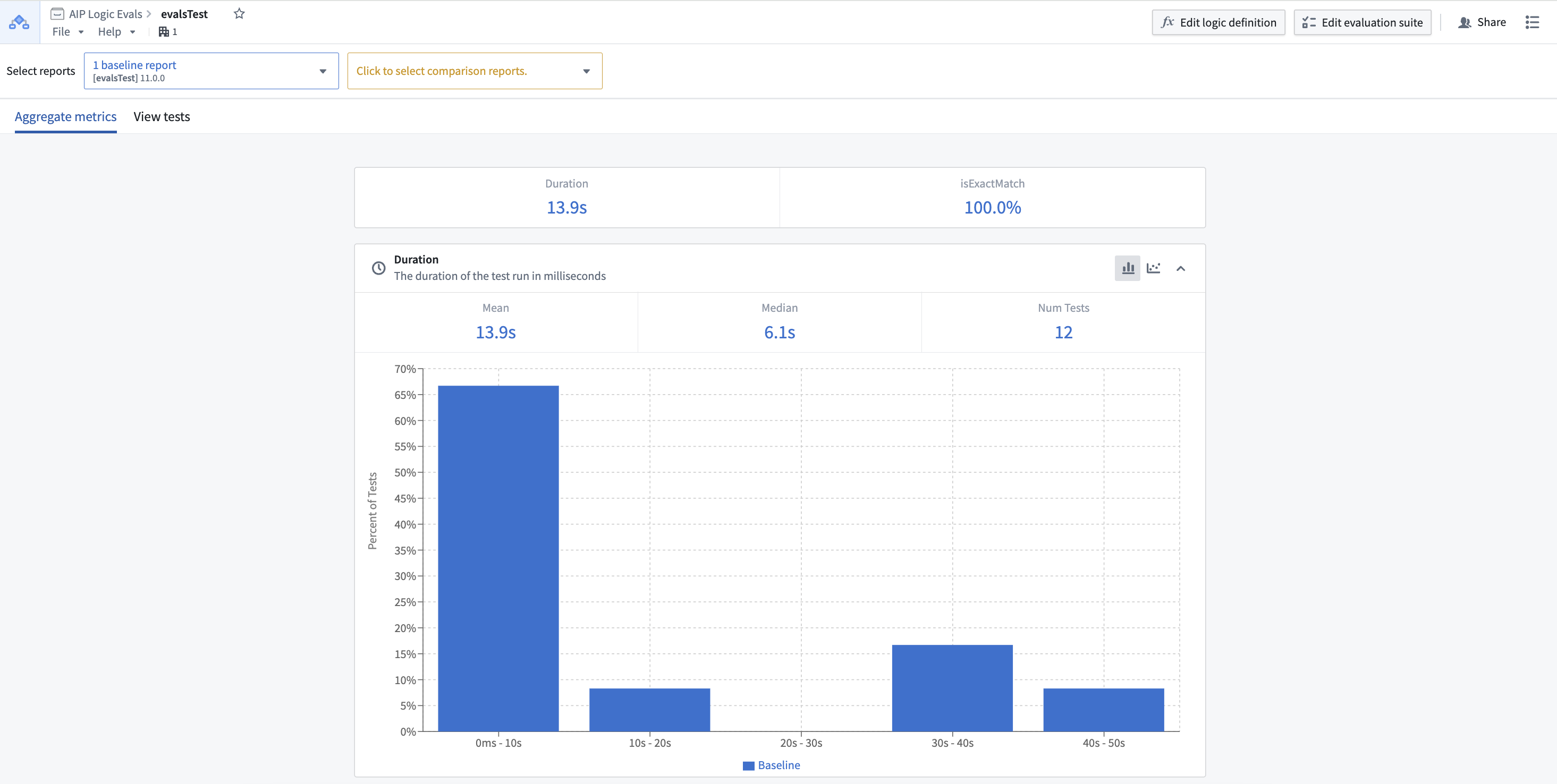
To access the dashboard from the AIP Logic sidebar, select the View metrics dashboard icon in the run results dialog. Alternatively, select the Open metrics dashboard icon in the header of the evaluation suite page.

For deeper analysis and debugging, you can access the LLM trace viewer. Navigate to the View tests tab and double click into a test case to open the trace viewer. Here, you will be able to view execution information outlining how the function result was computed. If you are using a custom LLM as a judge evaluator, the LLM trace viewer will also include information about the decision-making process of the LLM judge.