Change requests on Environment import
When a Bundle containing Environment changes is imported to a Hub, Apollo creates a change request to review and approve the changes before they are applied. This ensures that sensitive infrastructure changes, such as modifications to network security rules, receive appropriate approval before taking effect.
When you import a Bundle that contains Environment changes, Apollo does not immediately apply all changes. Instead, Apollo opens a change request that contains all the Environment changes from the Bundle. This includes configuration updates, Entity changes (such as Kubernetes namespaces, network security rules, and instance groups), and Module installations.
Change requests for Environment updates group all changes from the Bundle into one operation. Either all changes are approved and applied together, or none of them are. This prevents situations where only some changes from a Bundle are applied, which could leave the Environment in an inconsistent state.
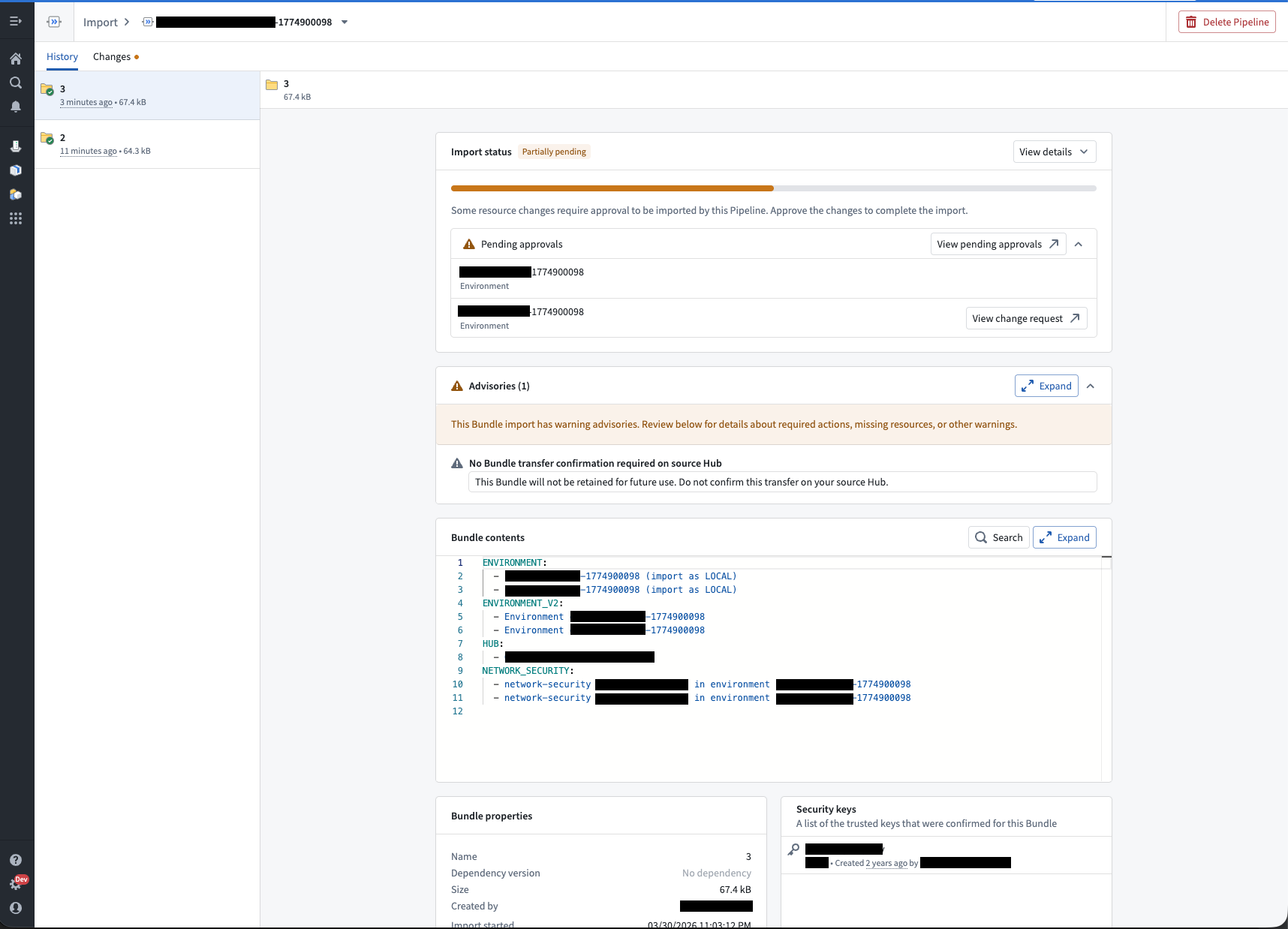
Note that Apollo will create a separate change request for each Environment in the Bundle.
Auto-approval
Most change requests created on import are auto-approved and do not require manual intervention. Apollo automatically approves the change request unless the Bundle contains changes to resources that affect the security posture of the Environment, such as:
- Network security rules
- Kubernetes namespaces with privileged security contexts
Change requests that contain these changes will require manual approval from an authorized user before the changes are applied.
View pending approvals
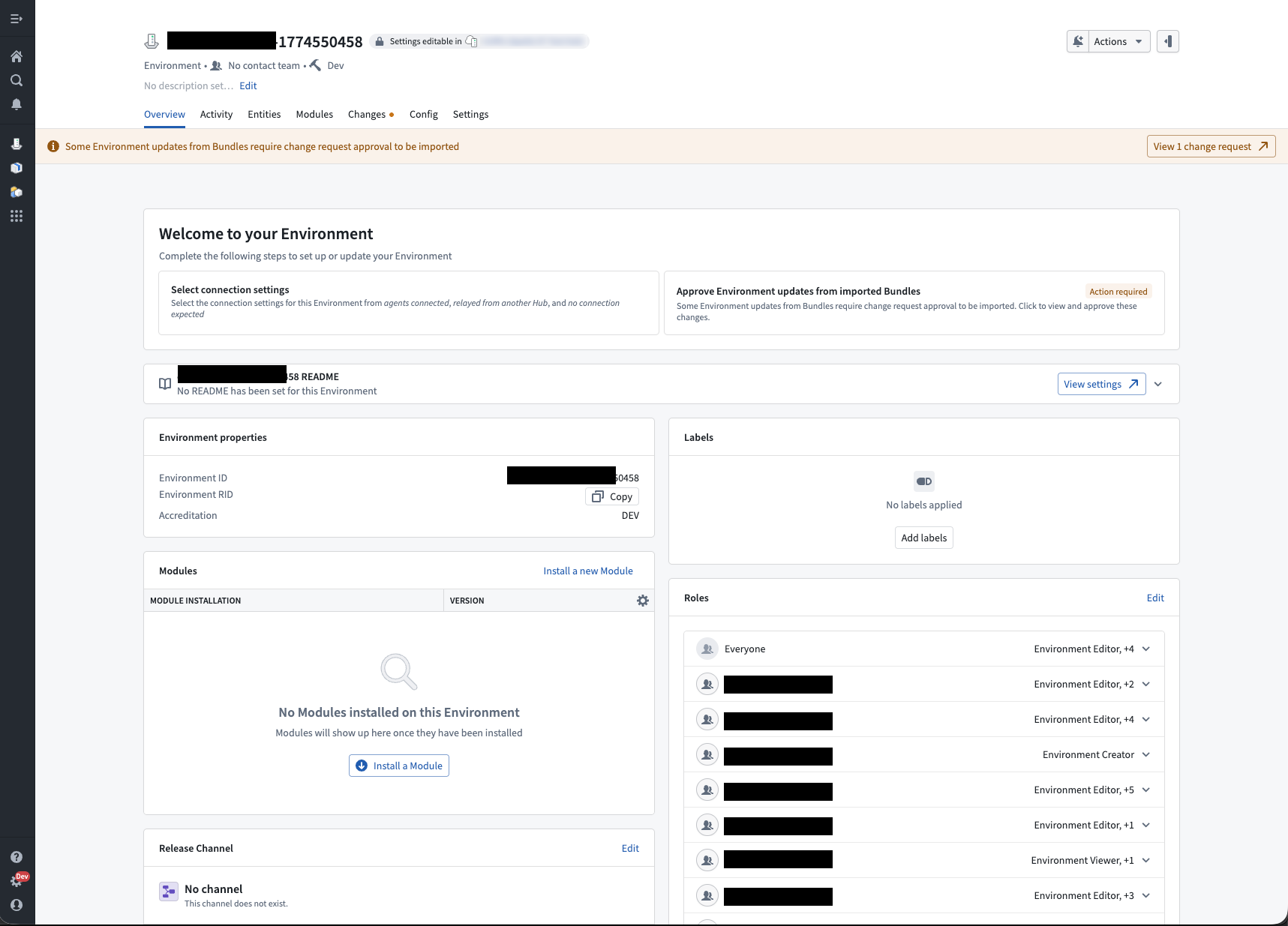
When imported changes are pending approval, a banner appears on the Environment page indicating that a change request requires attention. You can select the banner to navigate to the change request and review the proposed changes.
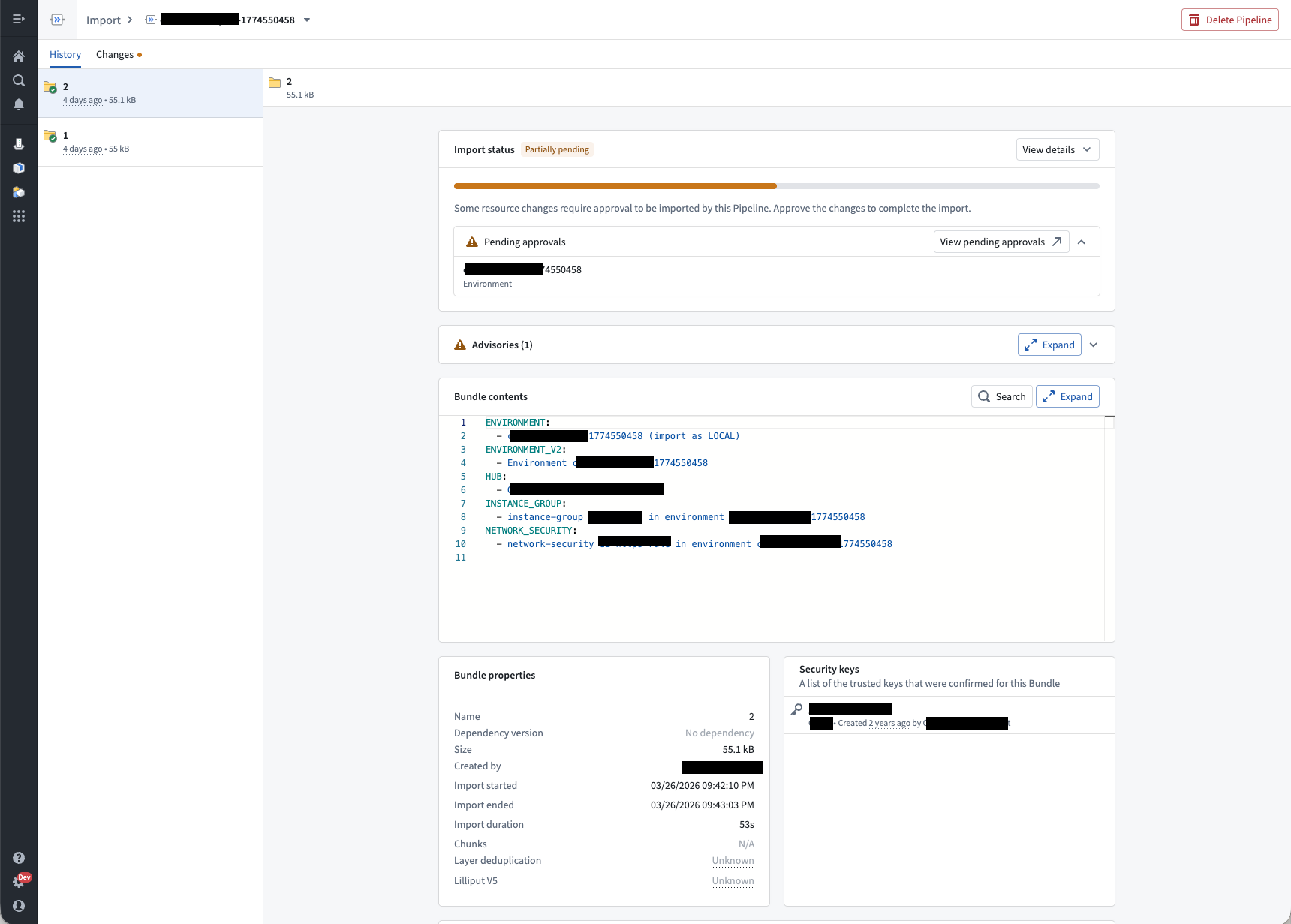
You can view the approval status of imported Bundles from the Import page. Navigate to the History tab and select the relevant Bundle. If there is a change request that needs approval, it will be displayed on the Import page.
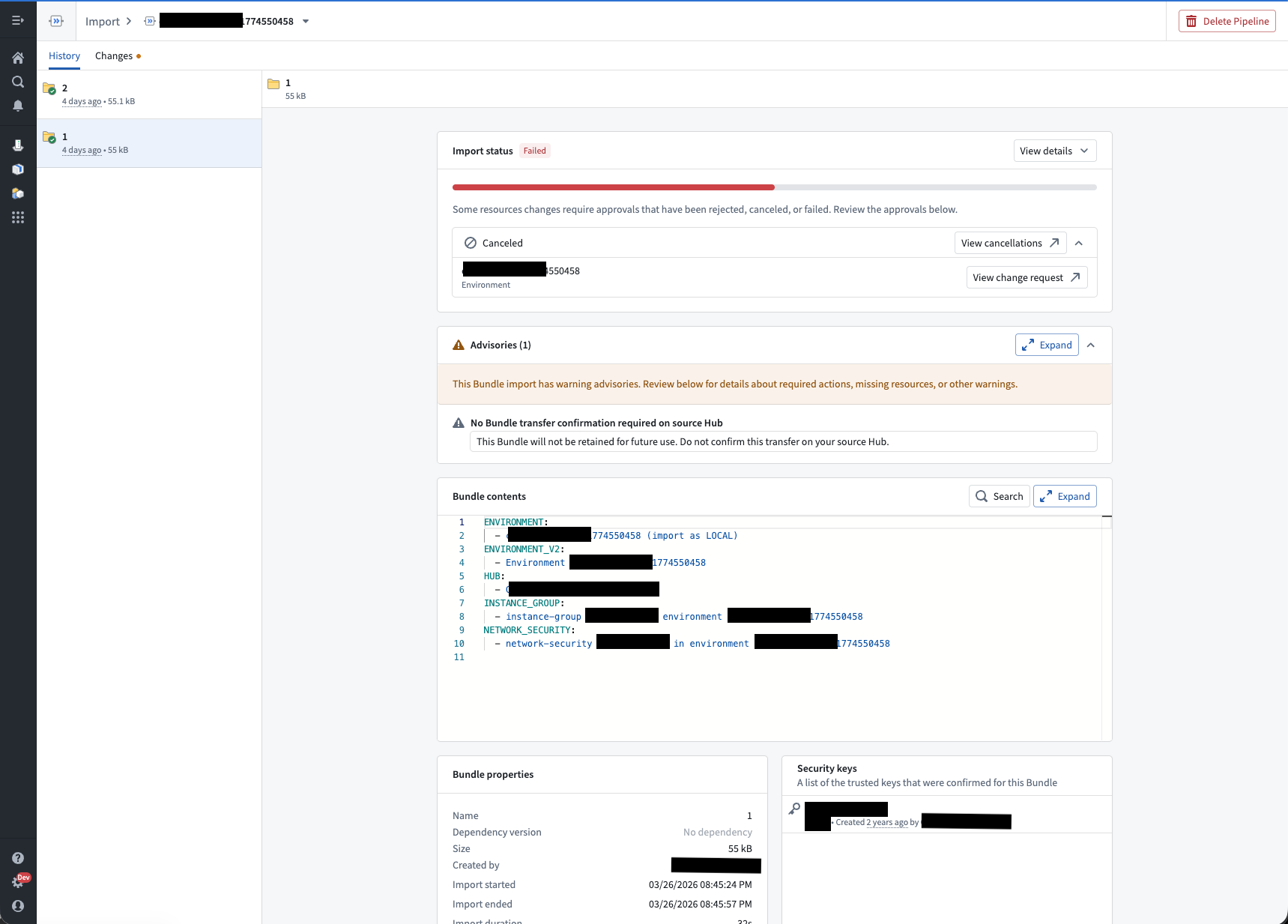
Change requests that are rejected or canceled are displayed on the Import page.
Apollo will display all change requests for Bundles that import multiple Environments.
Approve imported changes
To approve a change request created on import:
- Navigate to the change request from the Environment page banner or the import history.
- Review the proposed changes. The change request details all configuration updates and Entity changes contained in the Bundle.
- Select Approve Change Request to apply the changes.
Once approved, Apollo will apply the changes to the Environment.
Managing multiple Bundle imports
If a new Bundle is imported while a previous Bundle's change request is still pending approval, Apollo updates the existing change request with the latest changes. This means there is at most one pending change request for imported changes per Environment at any time.
The import history will show that multiple Bundles are associated with the same change request. Once the change request is approved, all bundled changes are applied together.