- Capabilities
- Getting started
- Architecture center
- Platform updates
Property security markings
Property security markings display the markings and Classification-based Access Controls (CBAC) values configured through object and property security policies when you view or select a property in the following Workshop widgets:
The ability to view property security markings will extend to additional Workshop widgets and other Foundry applications as the feature matures during active development.
Displayed strictly for informational purposes, property security markings render as a condensed gray pill with an expanded window view on selection.
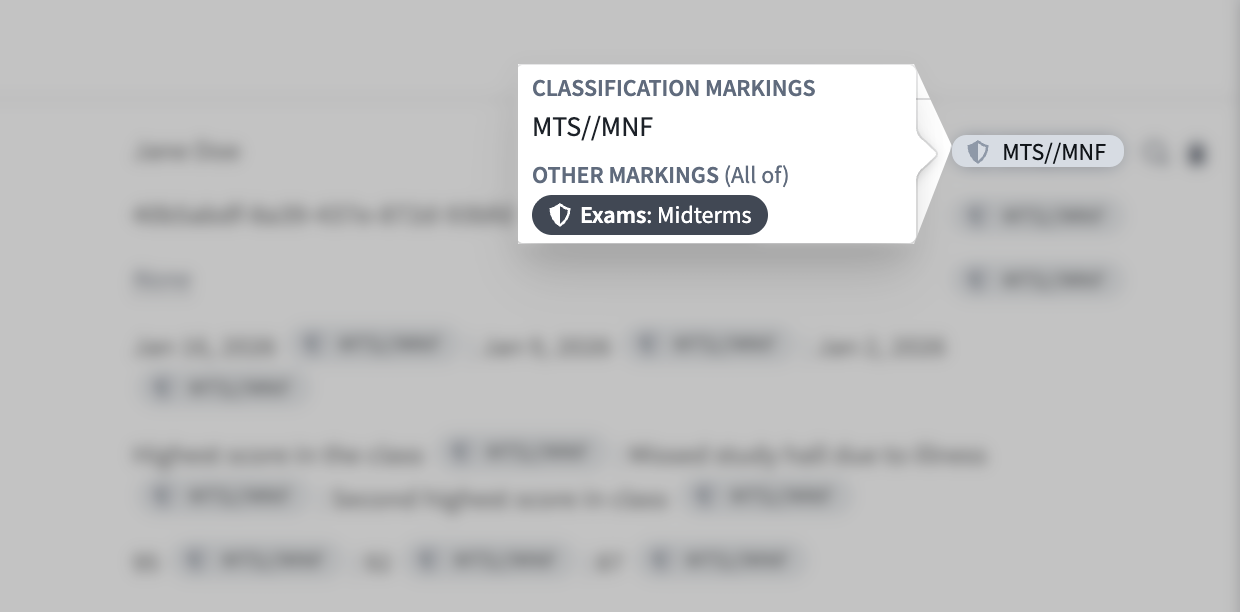
Foundry verifies each property against its security markings to ensure all users with the appropriate access can view its value, even if you toggle the pill's visibility off in any of its supported widgets. Property security markings abstract away certain complexities about the requirements necessary to view the property's data. As an example, a property marked with the Mock Unclassified CBAC marking within an object with the Mock Secret CBAC marking will be displayed as Mock Unclassified in the object view. However, users must have access to the Mock Secret CBAC marking to view the property's data.
Learn more about Foundry's strict access requirements and user permissions controls.
View property security markings in Workshop
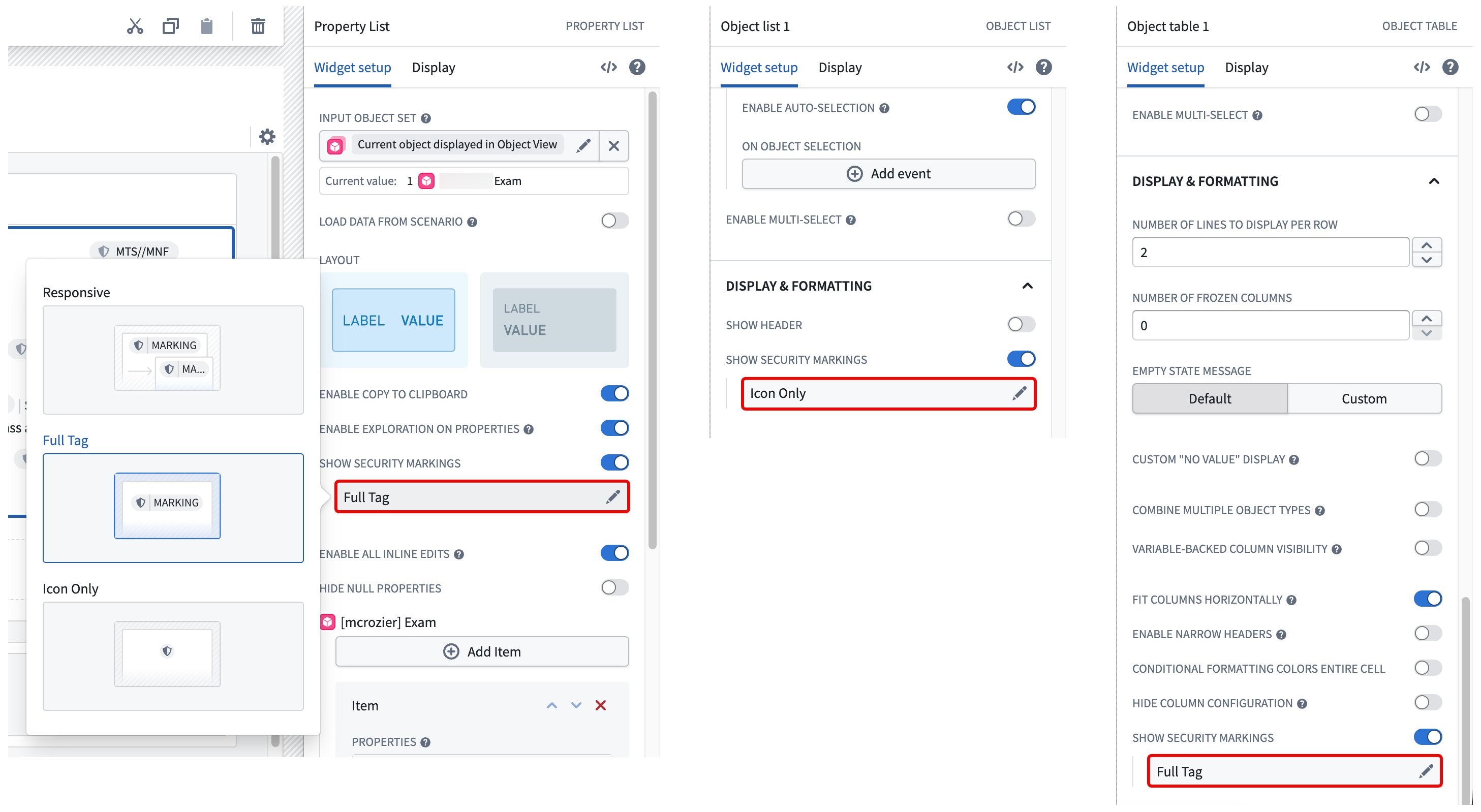
Toggle on Show security markings in the Widget setup tab when configuring a Property List, Object List, or Object Table widget in Workshop, then choose from the following display options:
- Responsive: Displays the full security marking when space permits and a truncated tag to fit available space. Foundry displays the full marking in a tooltip upon hover. This option is not available for the Object Table widget.
- Full Tag: Displays the full security marking at all times, line-wrapping at small widths.
- Icon Only: Displays the marking icon and the full security marking only upon hover.
If your enrollment does not contain CBAC markings, then you will not need to select from the options listed above. Foundry solely displays the marking shield icon next to properties that contain mandatory markings and renders the marking labels upon hover.
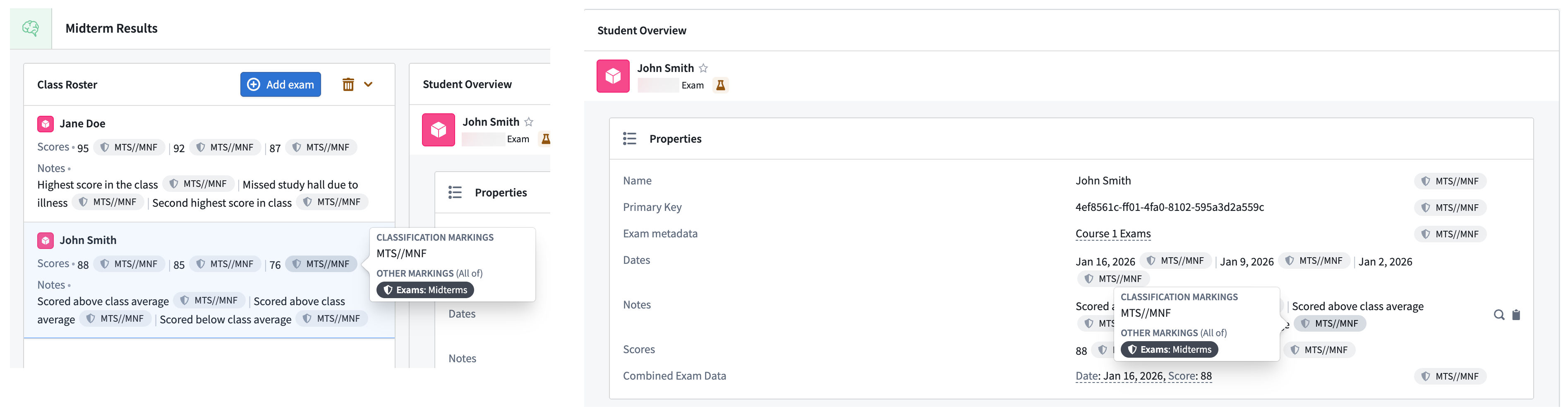
Select a property security marking pill on the right side of a property's value in either the Object List or Property List widgets to render an expanded view.
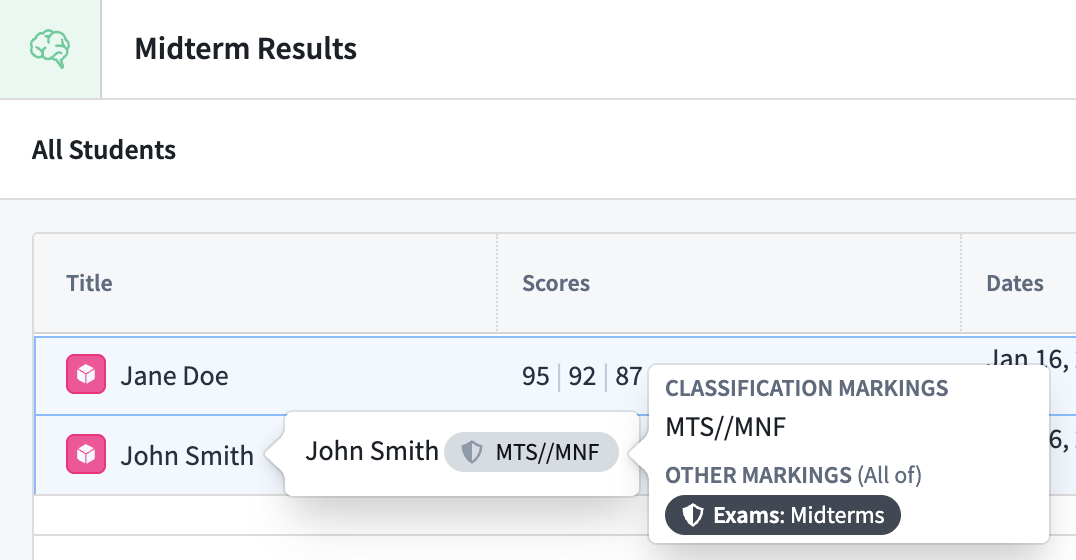
To render the same expanded view in the Object Table widget, hover your cursor over a property value in the table.
Expected property base type behavior
Property security markings display different behavior based on the property's base type.
- Struct: Each value in a struct field contains the same property security marking, which Foundry displays within a single pill.
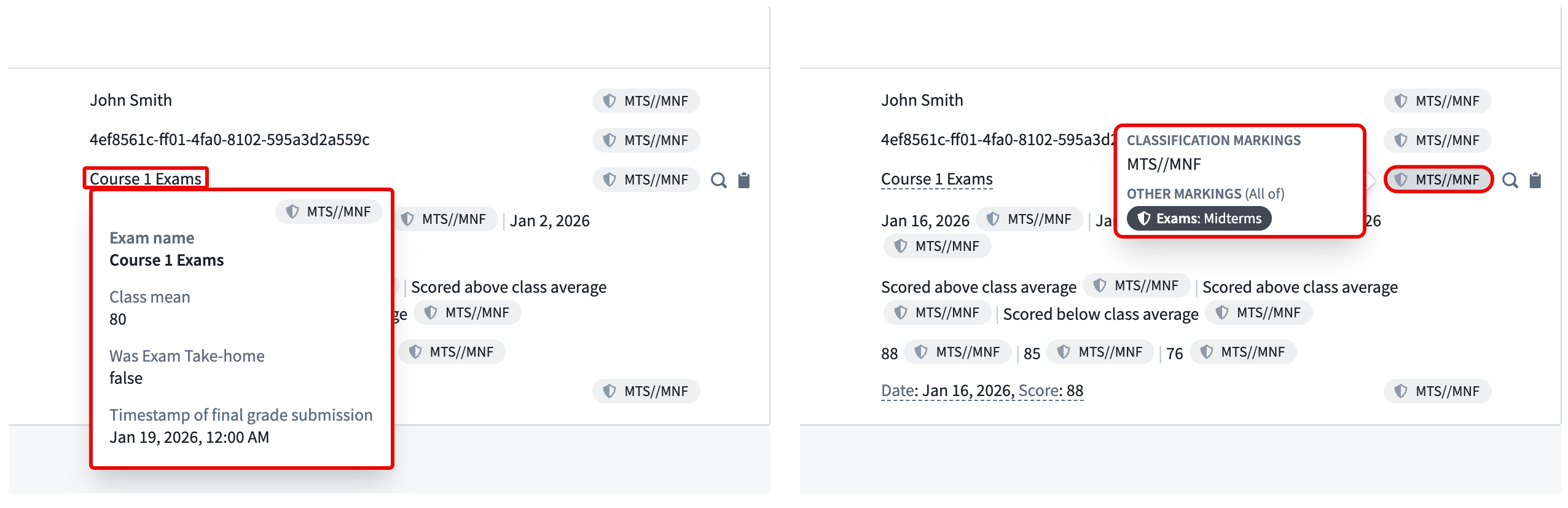
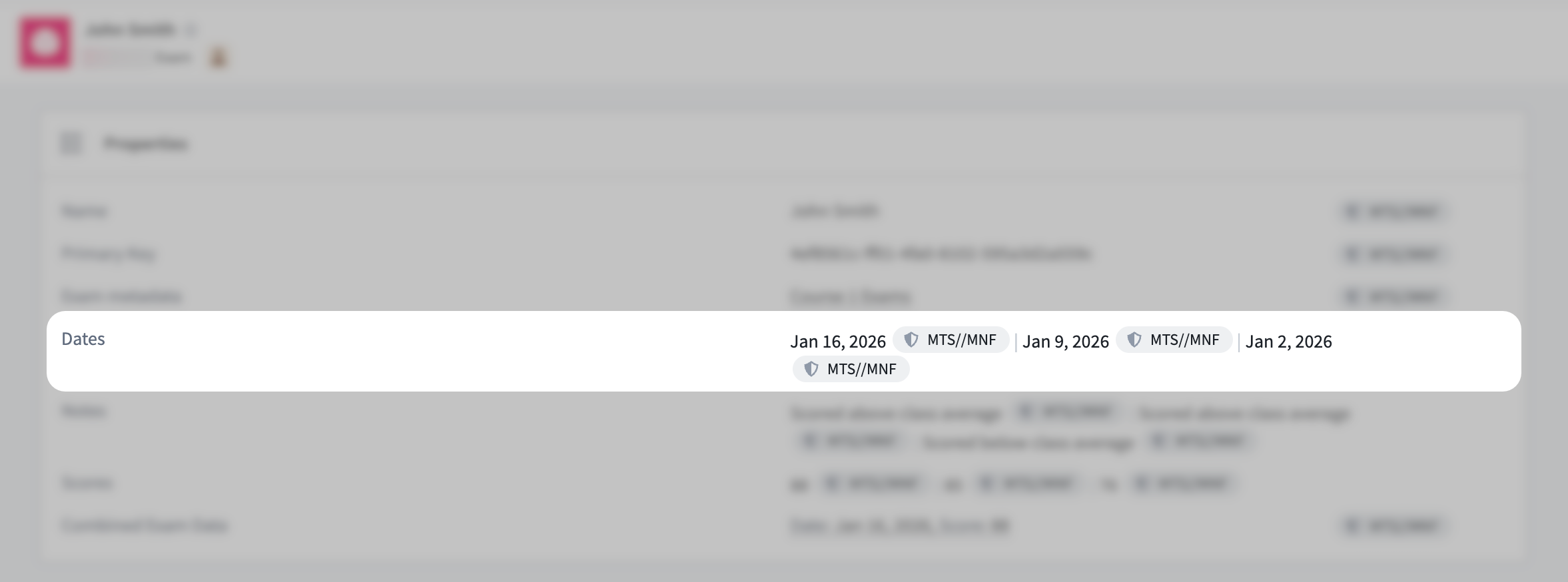
- Array: Each value in a base type containing multiple values as an array contains the same property security marking for a value, which Foundry displays in unique pills.
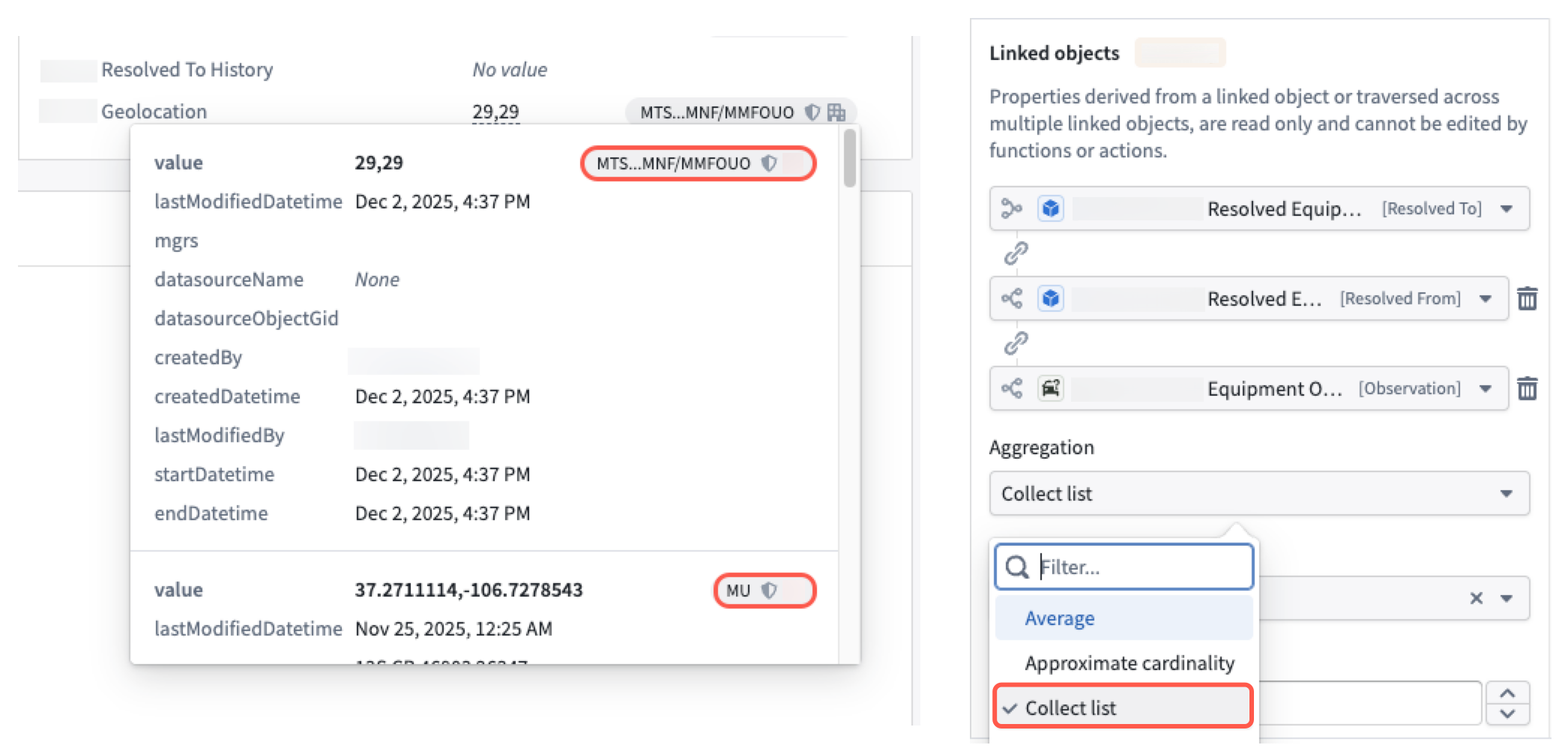
- Derived property: A derived property may contain different security markings for each value, whether the property is derived from other singular or struct properties using the Collect list aggregation method.
Unsupported property base types
Currently, Foundry does not support property security markings for the following property base types:
- Arrays of:
- Cipher text
- Media references
- Attachments
- Geoshape
- Geotemporal series reference
- Time series
- Vector
Additionally, Foundry does not render property security markings for the following property base types when you hover your cursor over a property value in an Object Table widget:
- Attachment
- Cipher text
- Geotemporal series reference
- Media reference
- Vector