- Capabilities
- Getting started
- Architecture center
- Platform updates
Solution Designer Diagram
Embed diagrams from Solution Designer into Notepad documents using the Solution Designer Diagram widget. Select + Add Widget or type / in a paragraph field to open the widget insertion menu.
Below is an example of an embedded Solution Designer diagram using the widget:
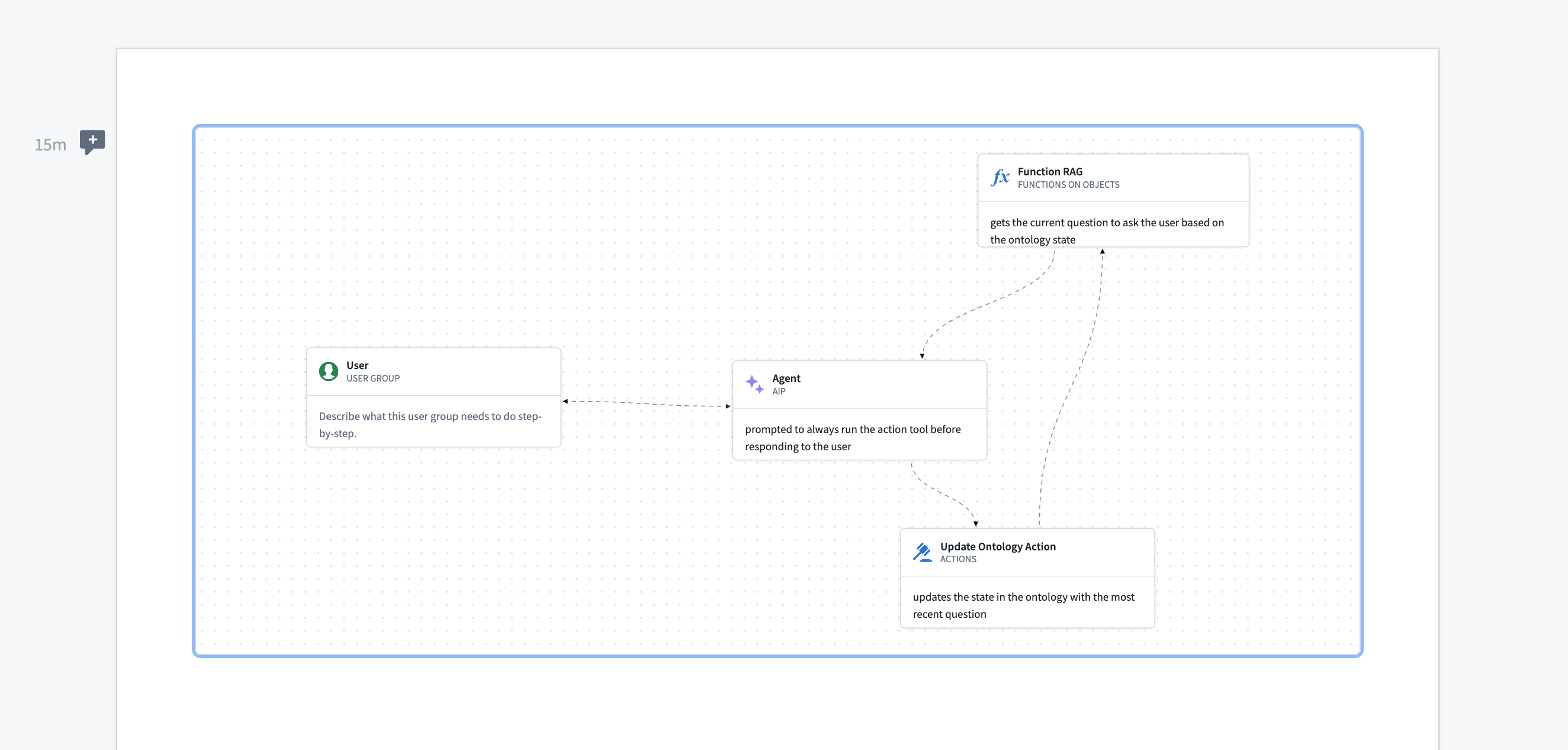
The widget is view-only, meaning users cannot modify the diagram's contents from within Notepad. Edits must be made from the Solution Designer application.
Widget properties
- Solution design: Select a Solution Designer diagram to embed in the Notepad document.