- Capabilities
- Getting started
- Architecture center
- Platform updates
Input API names
Input API names identify your product's inputs in the public Marketplace APIs. Callers use these stable names to discover inputs, supply values for installations and upgrades, and inspect an installation's current inputs. For more information, see the Marketplace installations API reference.
Each input's API name is separate from its display title and is preserved across product versions. If your product version has inputs, enable API name generation before publishing it for installation through the Foundry API.
Enable API names
To generate names when creating a product or preparing a new version:
- Open Settings in your product draft.
- Find Foundry API settings and enable Enable API names for inputs.
DevOps automatically assigns names based on input titles. For example, an input titled Source dataset can receive the API name sourceDataset.

Review and customize names
Select an input in the Inputs table to open its Details panel, then select its API name value to edit it. Choose descriptive names that callers can understand.
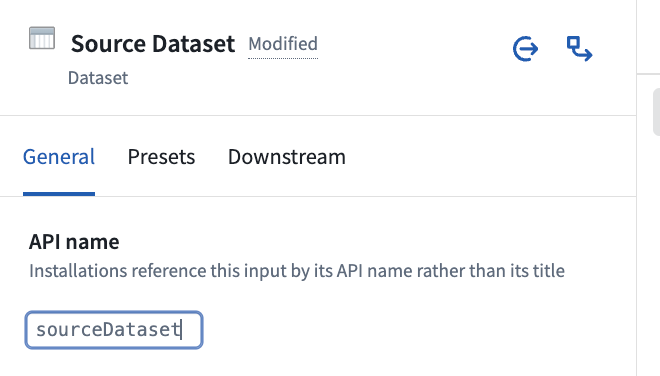
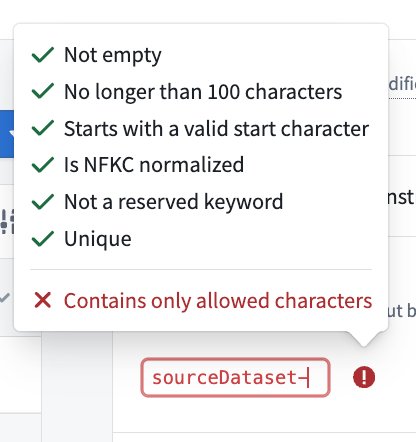
When customizing names, follow these rules:
- Use between one and 100 characters.
- Start with a letter or underscore, followed by letters, digits, or underscores. Unicode identifiers are supported and must use NFKC normalization.
- Do not use reserved keywords:
y,n,yes,no,true,false,on,off, ornull, regardless of capitalization. - Use distinct names for top-level inputs and for nested inputs that share a parent.
The public APIs reference nested inputs using dot-separated names that include their parents. For example, the customerId column under sourceDataset is referenced as sourceDataset.customerId. Set the column's own API name to customerId; the API adds the parent name.
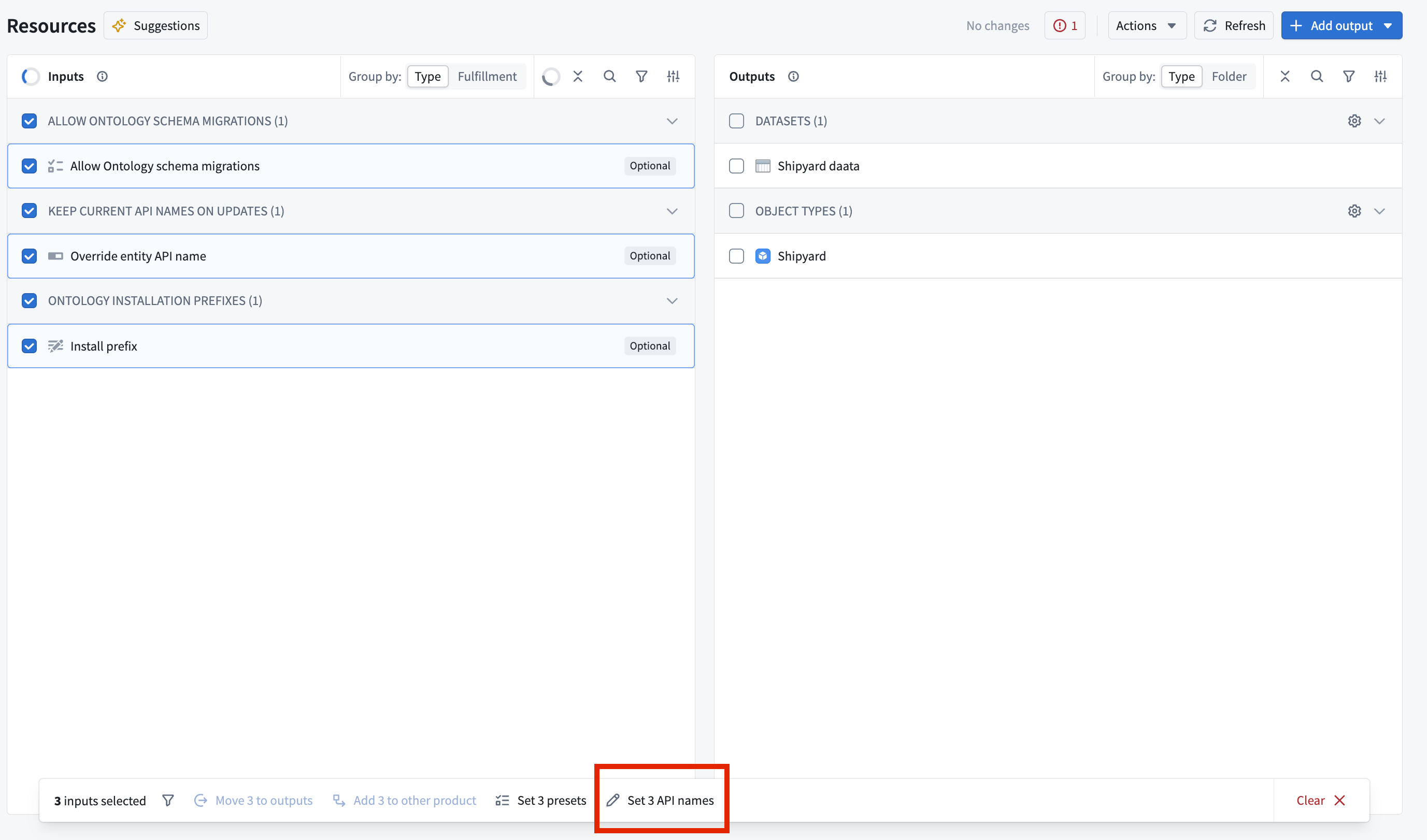
To edit several names together, select multiple inputs and choose Set {N} API names, where {N} is the number of selected inputs. Review your changes and select Save.
Ontology API names
Input API names identify inputs within your product. Ontology resource API names used by input presets identify resources supplied for those inputs.
API name stability
New product versions retain previously published input API names so callers can continue using their existing input maps.
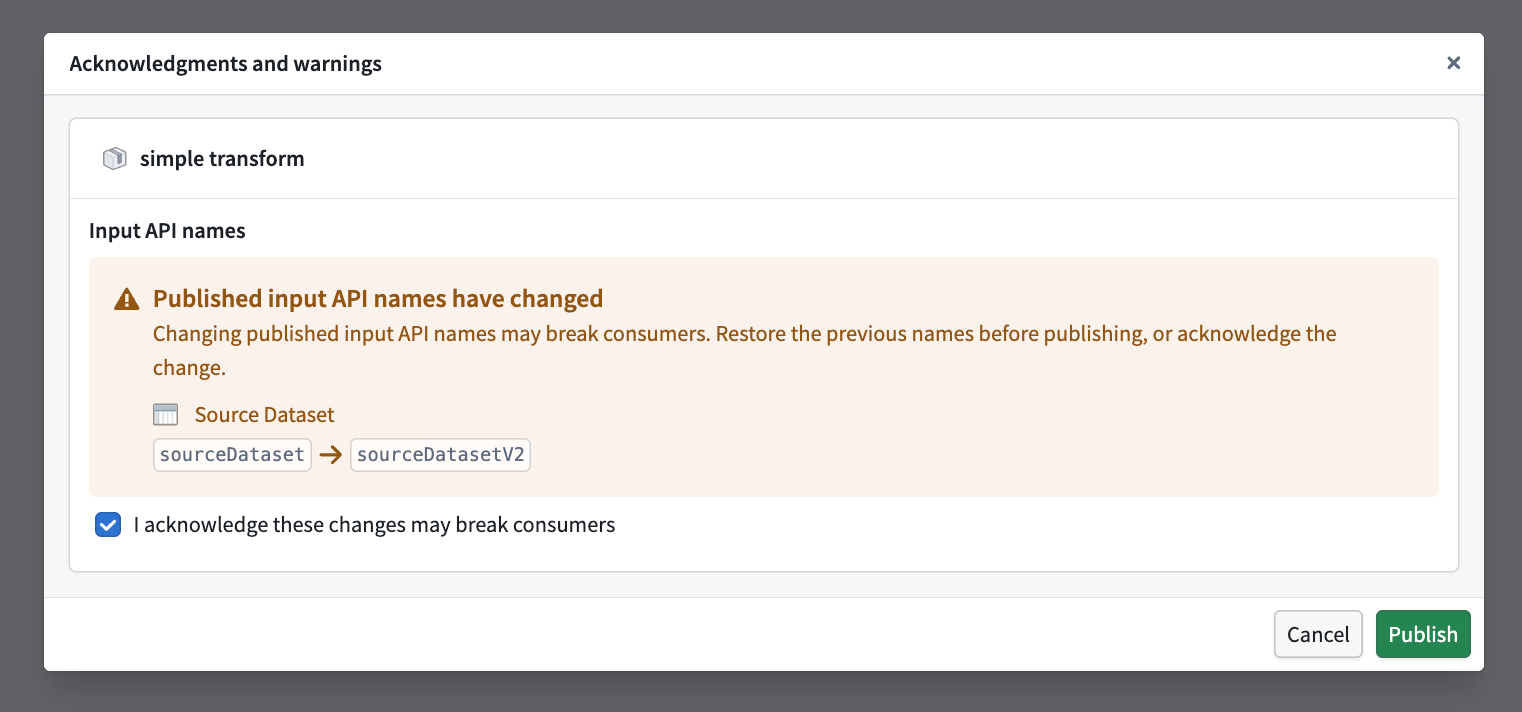
Changing published input API names or disabling Enable API names for inputs can break existing workflows. Disabling generation clears all assigned names for the draft version.
If you make either change, the publish dialog requires you to acknowledge the potential impact before proceeding. To avoid breaking callers, restore the previous names or re-enable generation before publishing.