- Capabilities
- Getting started
- Architecture center
- Platform updates
Link card
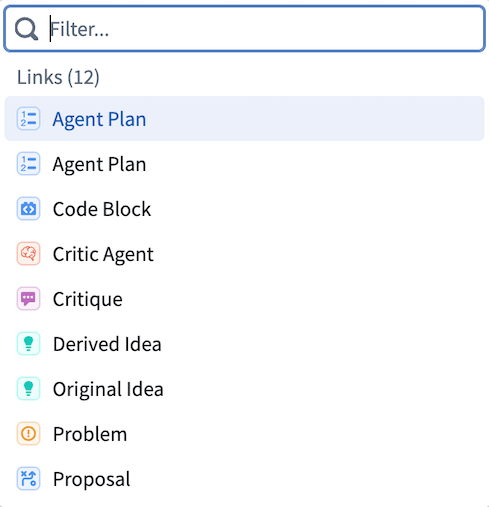
The Link card displays all link types available from the object types at that point in the path. Selecting a link type traverses the path to the linked object type, shifting the focus of the analysis to that object type. All link types are shown even if there are no linked objects.
Example
Object types central to workflows often have many link types connecting them to other object types.
For example, an Aircraft object type might be linked to Maintenance, Flights, and Staff object types. A scheduling user could start an Insight analysis path with the Aircraft object type and filter for aircraft with certain attributes, then use the link card to pivot to Flights, seeing only the flights associated with those aircraft. From there, the user can apply additional filters or steps to continue drilling down. Using the link card again to pivot to Airports would show only airports relevant to the filtered aircraft and flights.