- Capabilities
- Getting started
- Architecture center
- Platform updates
FAQ and troubleshooting
How do I navigate to Ontology Manager from Insight?
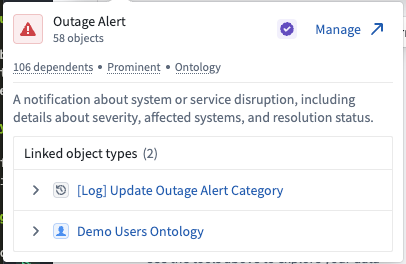
If you are working with an analysis path that uses a single object type (not an object set), hover over the object type to view a pop-up card with more details. Select Manage in the top right corner to navigate to the object type page in Ontology Manager.
Does Insight work with AIP?
Insight will soon be able to integrate with AIP Agents on the platform.
What is the purpose of an object set if I can save and share my workbook?
Object sets let you save a curated view of your data for reuse across multiple applications (including Quiver and Vertex) without filtering or combining data each time. They also support direct modifications to object types, making them useful beyond what a workbook alone provides.
How do I analyze an interface?
You can use interfaces to start an analysis and bring the relevant object types into the path. Expanded interface analysis support is coming soon.
Can I rearrange the order of my step cards in the path?
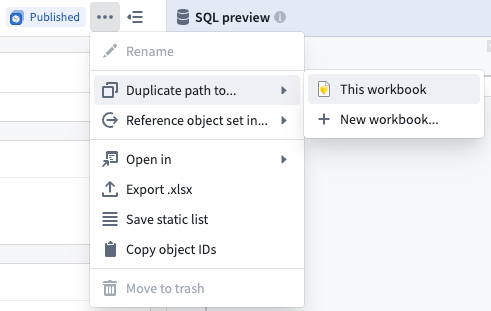
Step cards in an analysis path cannot be rearranged; changing card order can produce unexpected results (for example, moving a filter card for an object type to a point after a link card would alter the resulting data). To reorganize an analysis path, first duplicate the path, then add, delete, or disable steps as needed.