- Capabilities
- Getting started
- Architecture center
- Platform updates
Data Health
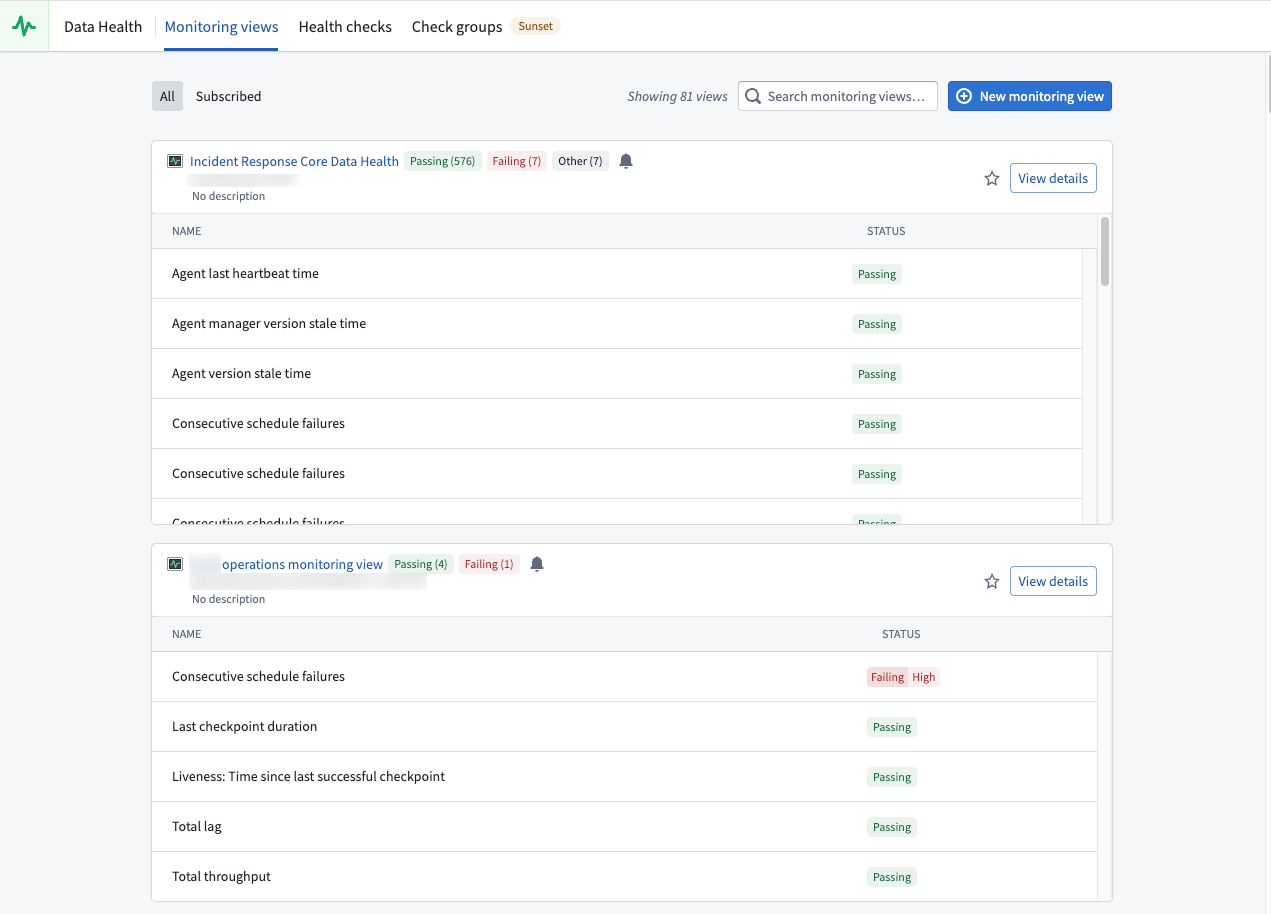
Data Health is a Foundry application for monitoring the health of your platform resources. Use Data Health to monitor and configure robust alerting for datasets, builds, functions, actions, automates and other resource types. When issues are detected, Data Health notifies you through in-platform notifications, email digests, and integrations with external systems such as PagerDuty and Slack.
You can access Data Health from the Foundry sidebar navigation.
Feature areas
Data Health provides two primary feature sets for monitoring your resources:
- Monitoring views: Monitor resources at scale using scope-based monitoring rules. Monitoring views support a wide range of resource types including datasets, schedules, streaming datasets, agents, object types, and more. Use monitoring views when you need coverage that scales automatically as resources are added.
- Health checks: Configure detailed checks on individual resources, including content and schema validation for datasets. Use health checks when you need fine-grained validation of a specific resource's data quality, agnostic of a workflow.
For high-level guidance on setting up effective monitoring, review the section on maintaining pipelines.
When to use each feature
| Feature | Best for | Scope |
|---|---|---|
| Monitoring views | Monitoring many resources across projects with consistent rules | Project, folder, or single resource |
| Health checks | Detailed content and schema validation on individual datasets and schedules | Single resource |
Alerts and notifications
Both monitoring views and health checks generate alerts when issues are detected. You can receive alerts in the following ways:
- Foundry notifications: Subscribe directly to monitoring views or individual health checks to receive in-platform notifications.
- Email digests: Receive aggregated email notifications on a configurable schedule.
- External systems: Send alerts to PagerDuty, Slack, or arbitrary REST endpoints through built-in integrations.
Accessing health checks on resources
You can also access health checks directly from individual resources through the Health tab:
- For datasets: Open a dataset in Dataset Preview and navigate to the Health tab.
- For schedules: Open a schedule in Data Lineage and select Metrics > Health.
In Data Lineage, you can also color datasets by their health check status and view all health checks in the Data Health tab at the bottom of the page.