Release Channels
Overview
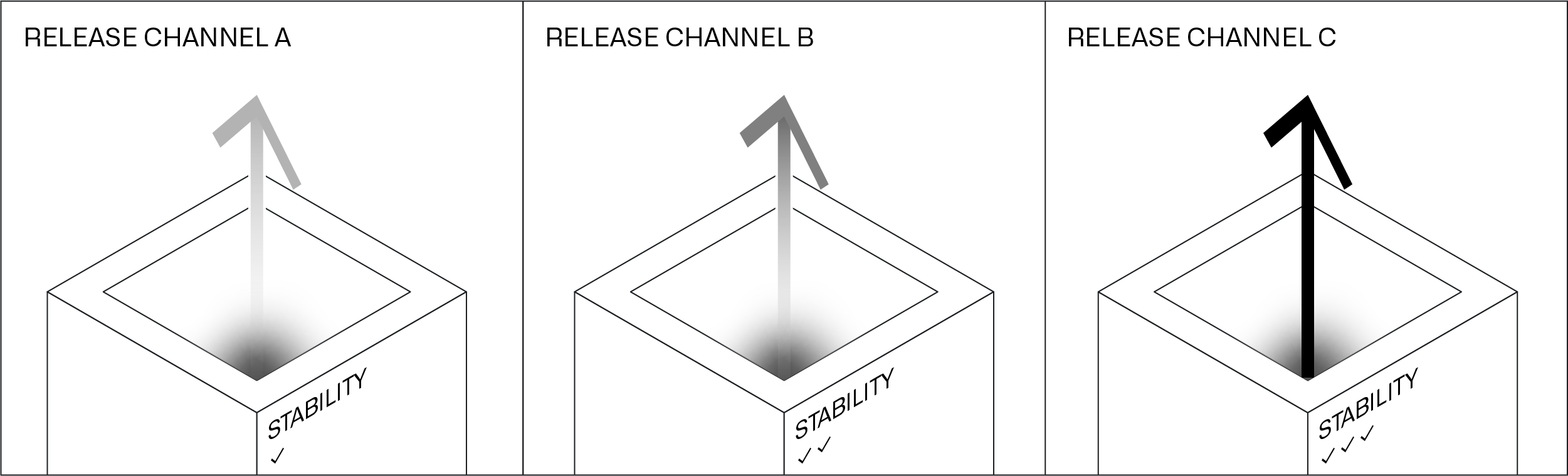
Release Channels group Product Releases based on common attributes such as their stability and their labels. Environment operators subscribe Entities in Environments to Release Channels. During its resolved maintenance window, Apollo will upgrade the Entity to the most recent Release in the Release Channel that passes all constraints.
Apollo has a set of default Release Channels and additionally supports custom Release Channels.
Release Channel promotion
A Product Release can be added to a Release Channel in one of three ways:
- A Product Release can be automatically added to a default Release Channel when it is published to Apollo.
- Release Channel contributors can manually add Product Releases to Release Channels if the Release satisfies the label requirements for the Release Channel.
- Product editors can configure Release promotion pipelines, which will automatically add Releases to successive Release Channels during configured maintenance windows if the Releases satisfies the label requirements and health requirements.
Default Release Channel promotion
There are three default Release Channels in Apollo that a Release can automatically be added to when published: DEV, RELEASE_CANDIDATE, and RELEASE. Product Releases are added based on the format of their version number, which determines the version type:
- Releases with version type
Releaseare added to theDEV,RELEASE_CANDIDATEandRELEASERelease Channels. - Releases with version type
Release Candidateare added to theDEVandRELEASE_CANDIDATERelease Channels. - Releases with versions of other types are added to the
DEVRelease Channel.
Learn more about Product Release version types.
Manual Release Channel promotion
Release Channel contributors can manually add Product Releases to their Release Channel. This is useful when manual testing or validation is required before promoting a Product Release to Release Channels that are upstream in the promotion pipeline. Manual promotion of Product Releases can also be useful when responding to a support or stability incident in which you need to override the configured Release Channel promotion pipeline.
Learn more about the manual promotion workflow.
Release promotion pipeline configuration
Product editors can configure Release promotion pipelines that define the promotion of Releases from one default or custom Release Channel to other Release Channels. They can set:
- The sequence of Release Channels that a Product Release must go through to reach the terminal Release Channel.
- The criteria that needs to be satisfied at each stage of the promotion pipeline.
Learn more about how to configure a Release promotion pipeline.
Promotion timeouts
Apollo enforces several timeouts to prevent promotions from remaining in progress indefinitely.
- Soak duration timeout: During canary soaking, if twice the configured soak duration passes without the health conditions being met, the promotion is canceled. Weekend time is excluded from this calculation. For example, if the soak duration is 24 hours, the promotion times out after 48 hours of weekday time without healthy canaries. This timeout is disabled if the version being soaked is the latest Release on the source channel that has not been recalled, since there is no newer Release to promote.
- Waiting for canaries timeout: If canary Entities are unable to reach the version that is promoting, the promotion is canceled after seven days.
- Overall promotion timeout: If a promotion has been running for more than 30 calendar days, it is canceled. Unlike the other timeouts, this is a wall-clock timeout that does not exclude weekends. This can occur if a promotion is stuck waiting for label requirements or maintenance windows to be satisfied.